Is my collection uploaded anywhere?
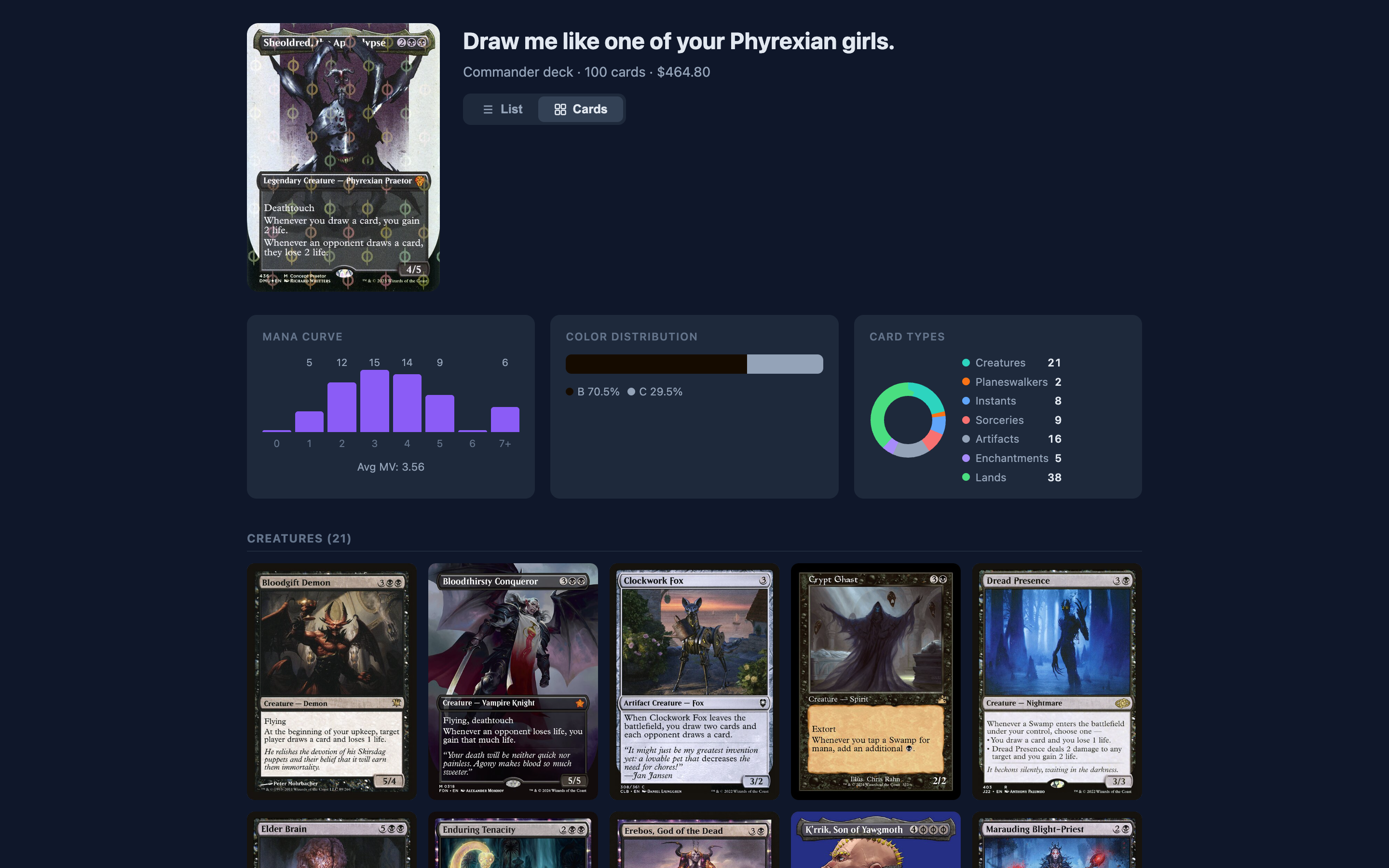
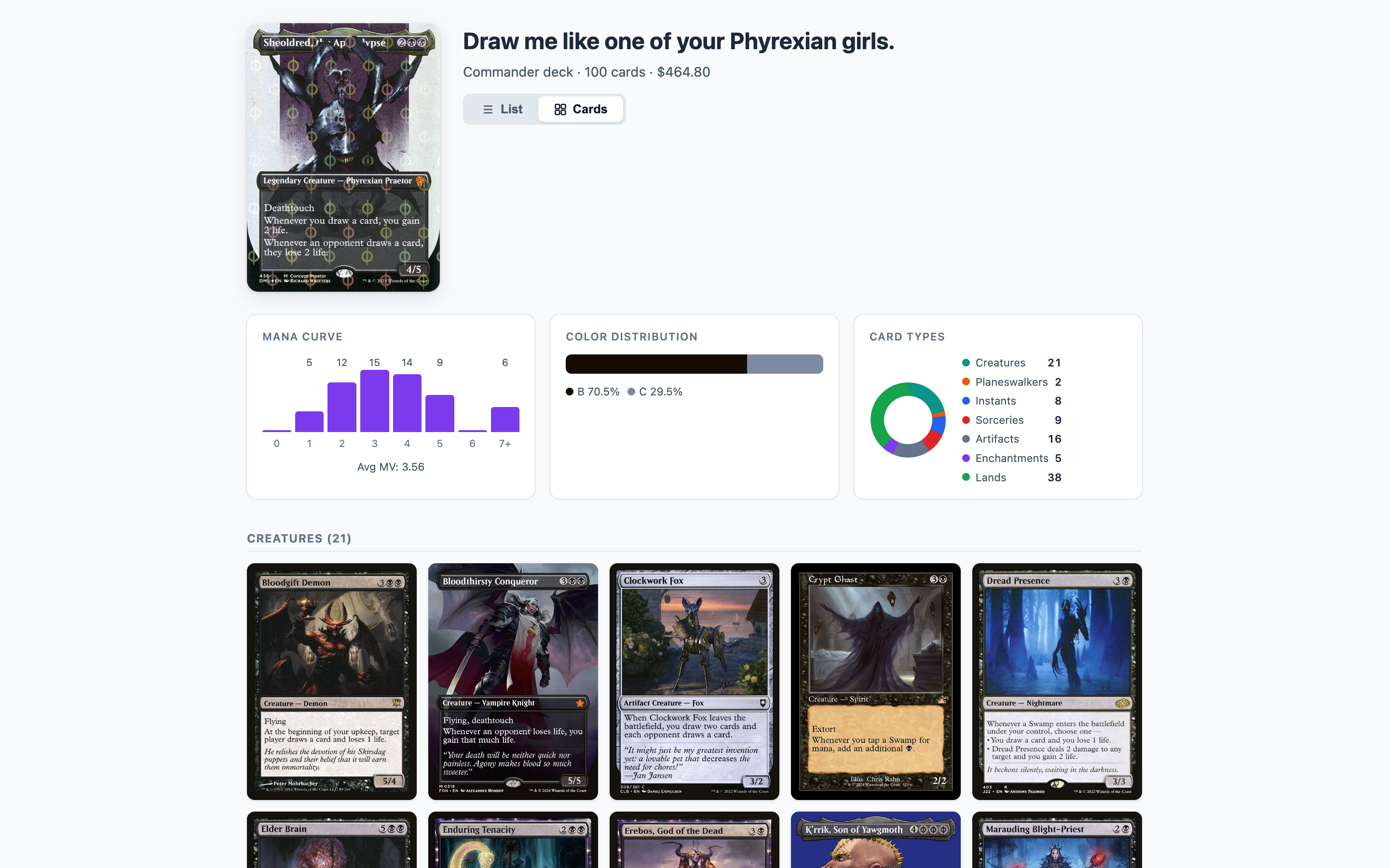
No. Your cards, decks, binders, storage locations, and sales are stored in a local database on your Mac, which is backed up automatically before app updates change it. The only things sent to magicalpiles.com are decks and binders you explicitly share. Card data, images, and prices are fetched from Scryfall. If you connect Mana Pool, the copies you list there and your tracking numbers are sent to Mana Pool. If you turn on TCGTracking’s API mode, each sold order’s buyer name, shipping address, and items are sent to TCGTracking to make the label. See the privacy policy.
Which apps can I import from?
Collection CSVs from ManaBox, TCGplayer, Dragon Shield, Deckbox, and Moxfield are detected automatically. You can also paste a plain-text card list or search for single cards. Decks can be imported from Moxfield, Arena, or MTGO lists, an MTGO .dek file, or an Archidekt deck URL.
Does it connect to my TCGplayer account?
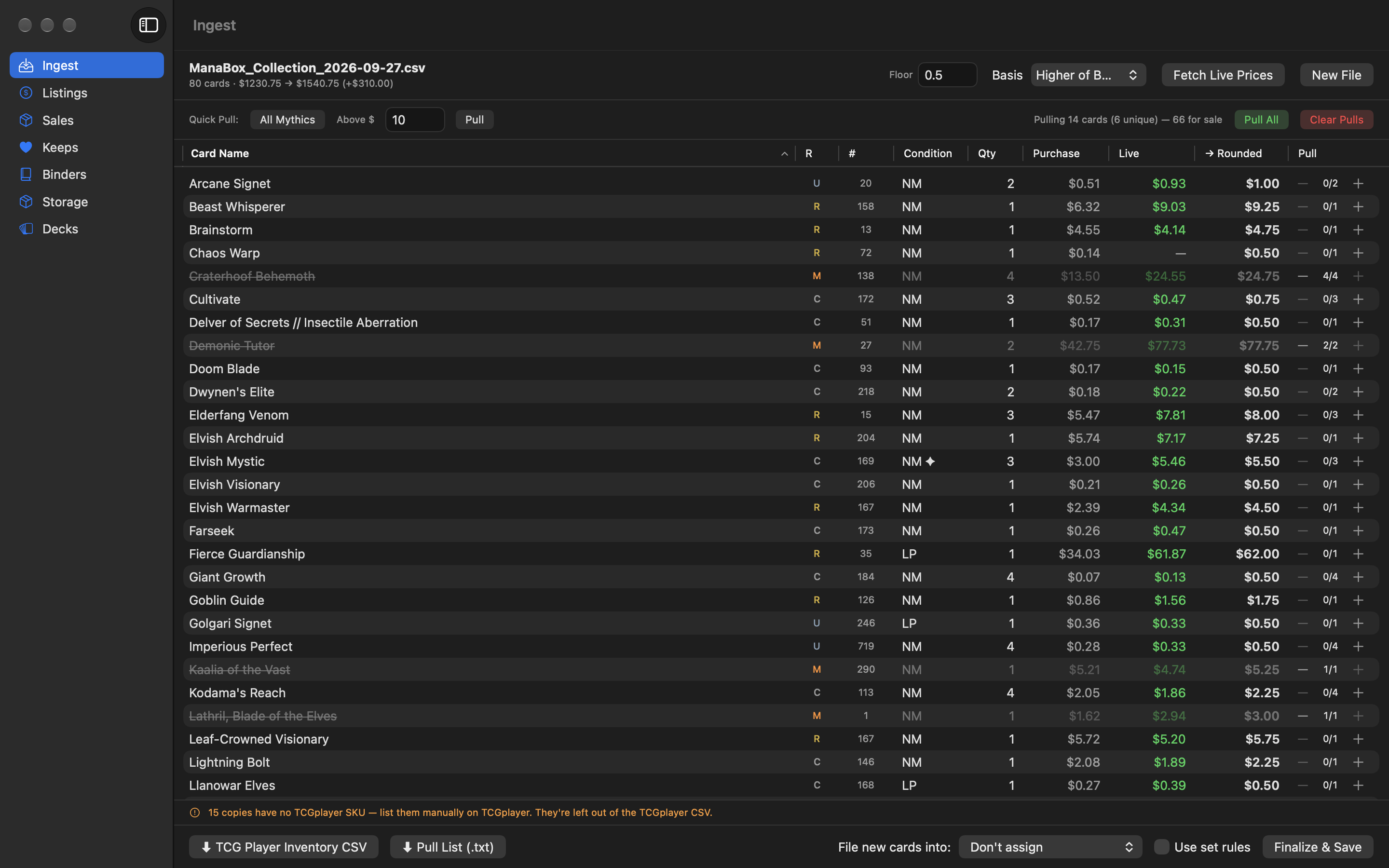
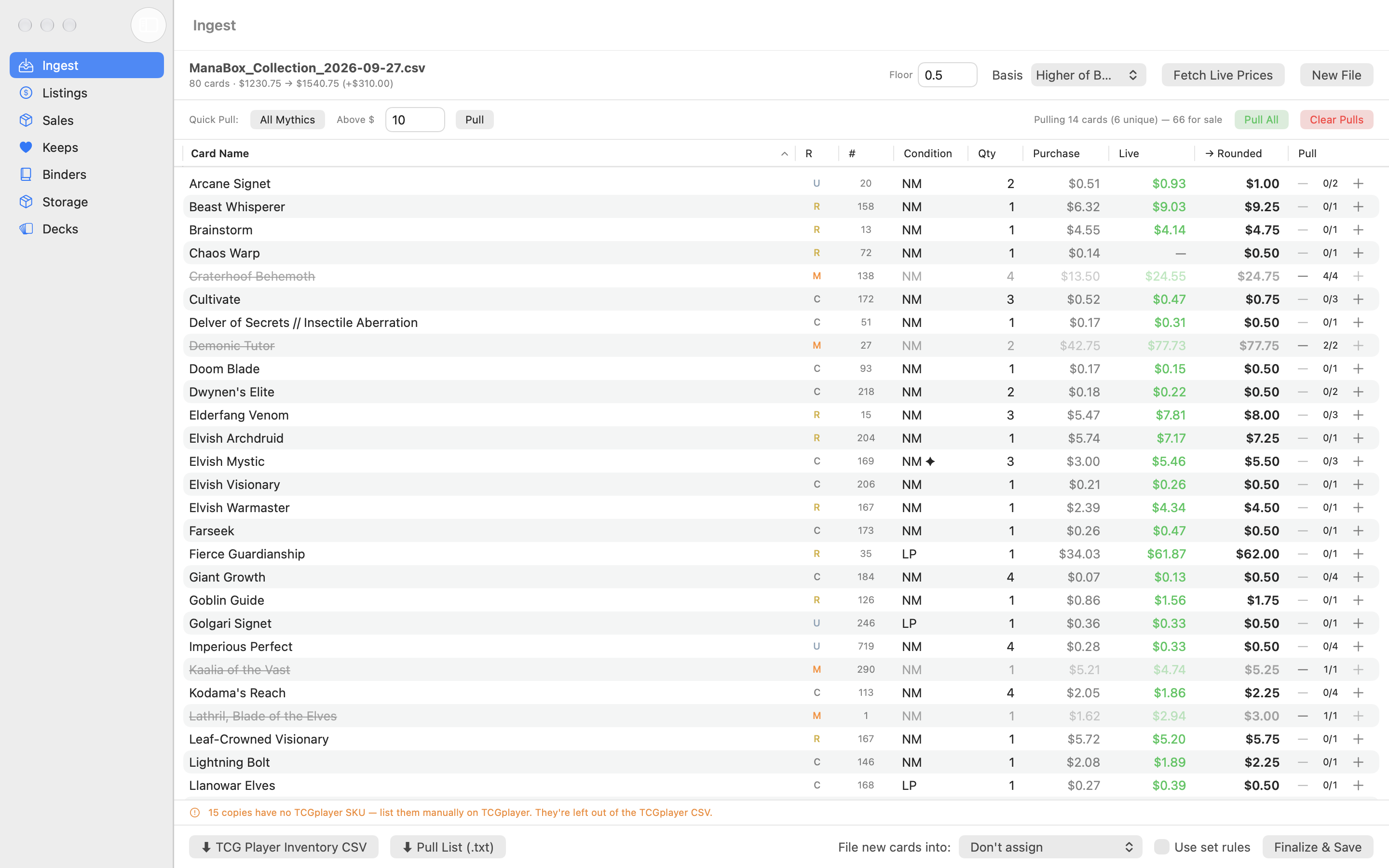
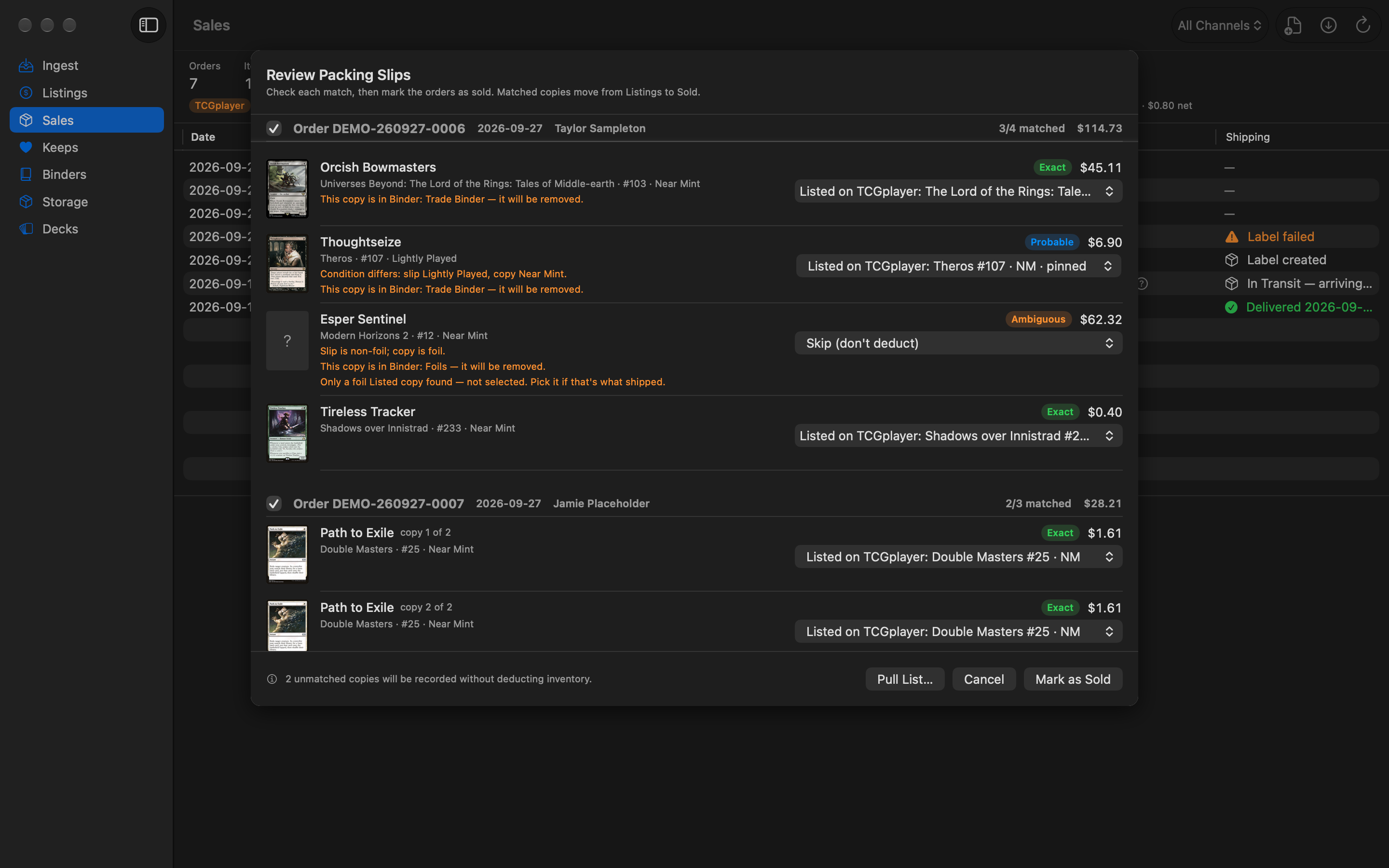
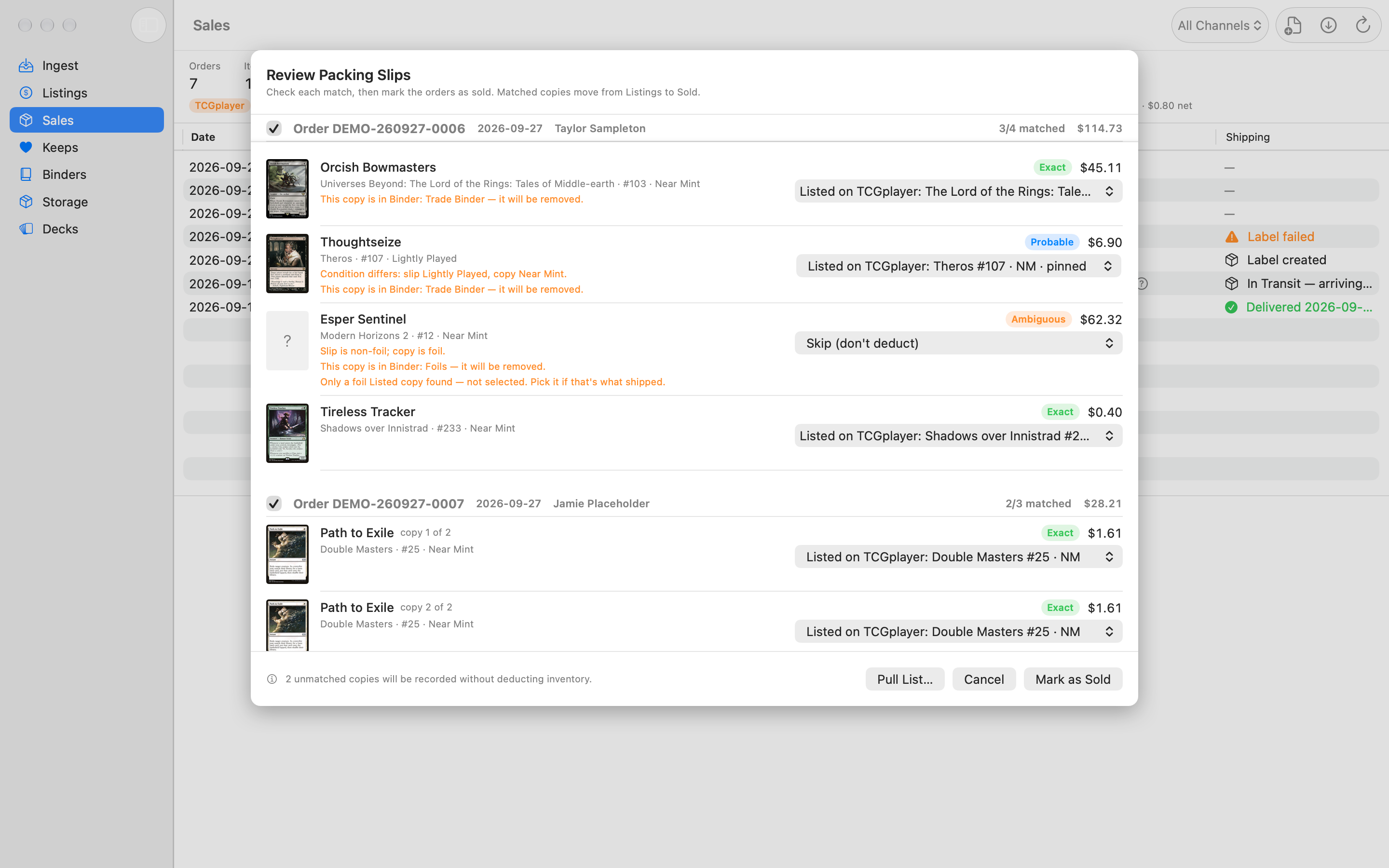
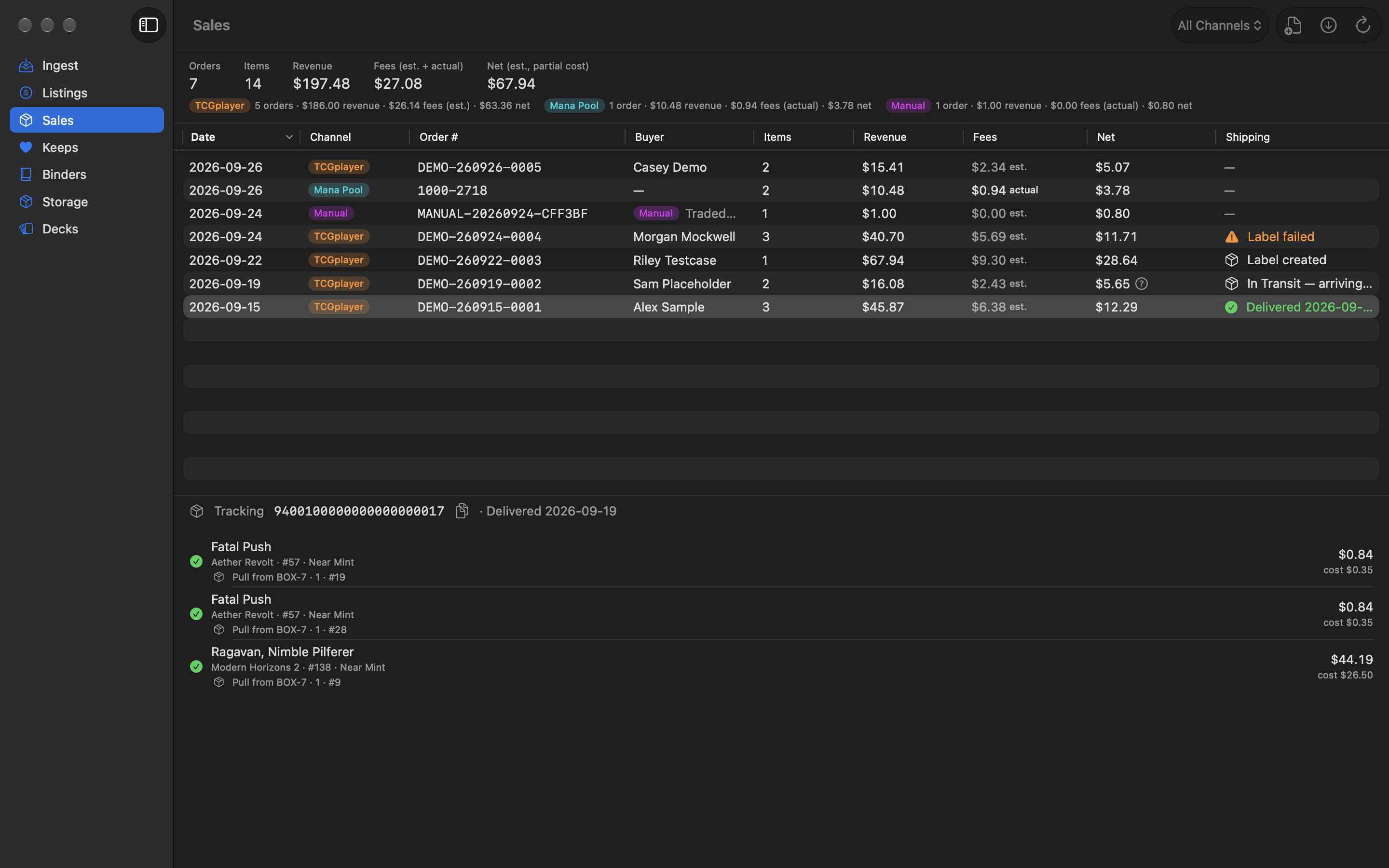
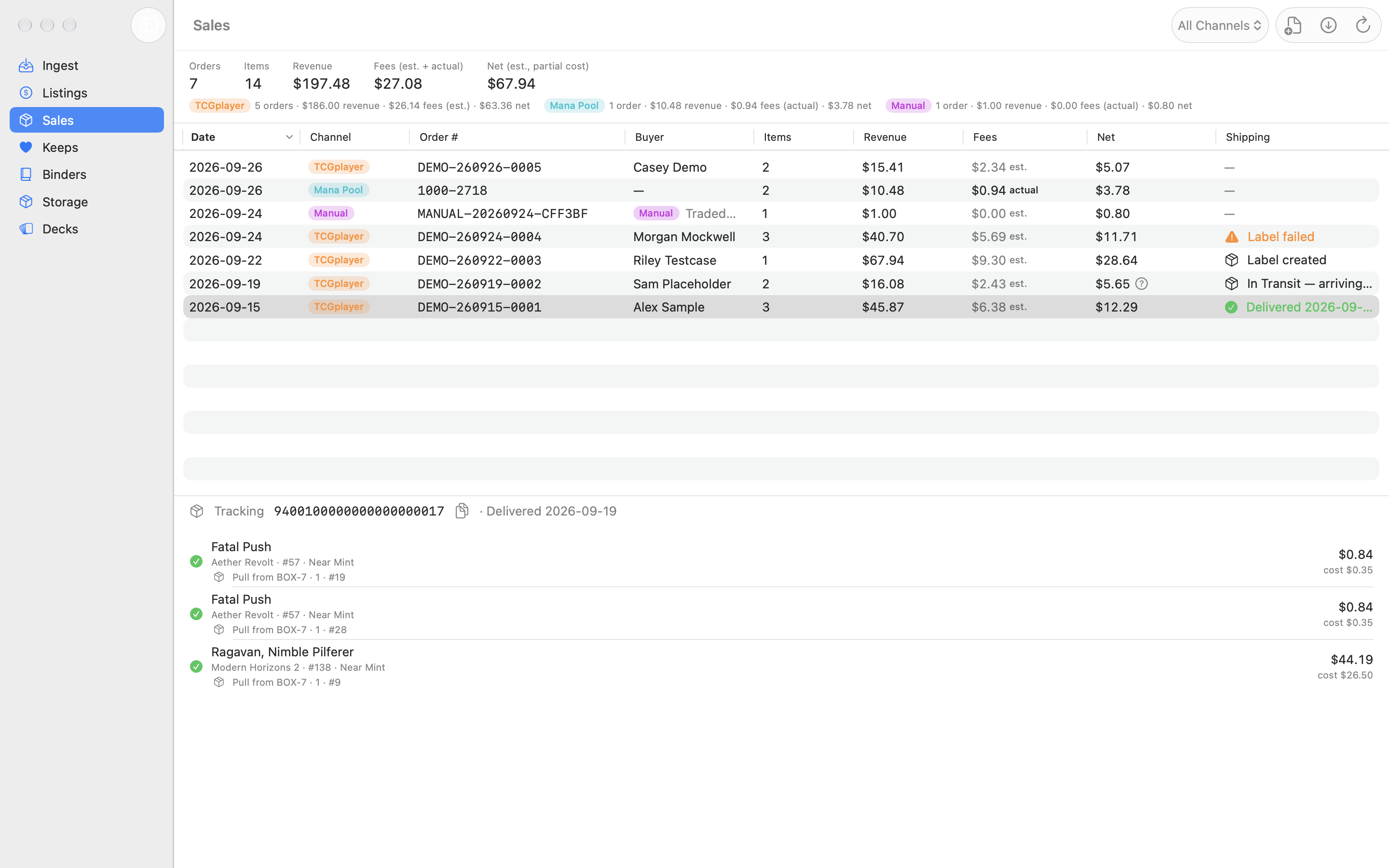
No. Magical Piles works with files: it saves an inventory CSV in TCGplayer’s format for you to upload, with exact quantities so uploading it again never doubles a count, and it reads the packing-slip PDFs you download from TCGplayer. It never signs in to TCGplayer. TCGplayer fees in Sales are estimates based on rates you can edit in Settings.
Does it work with Mana Pool?
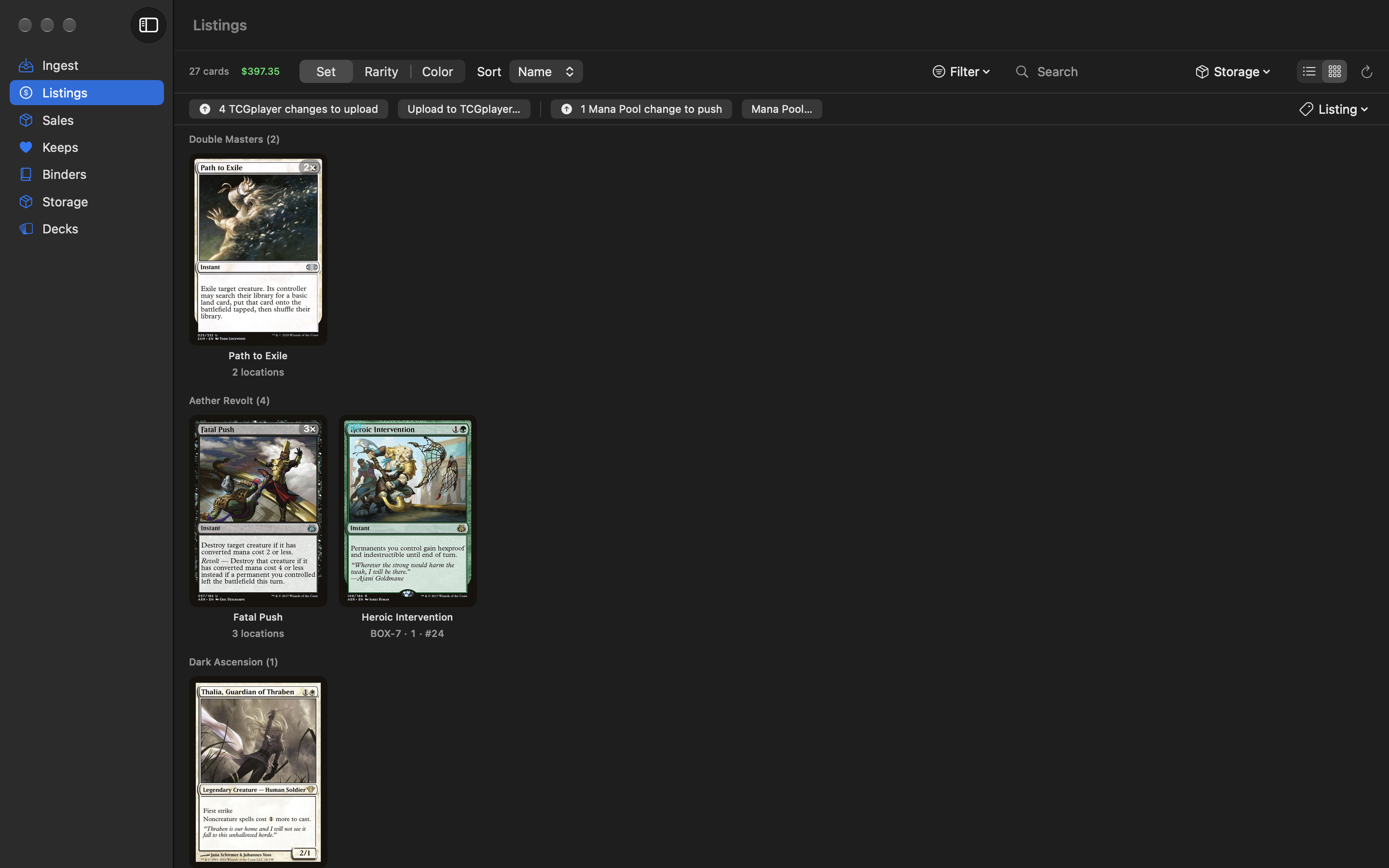
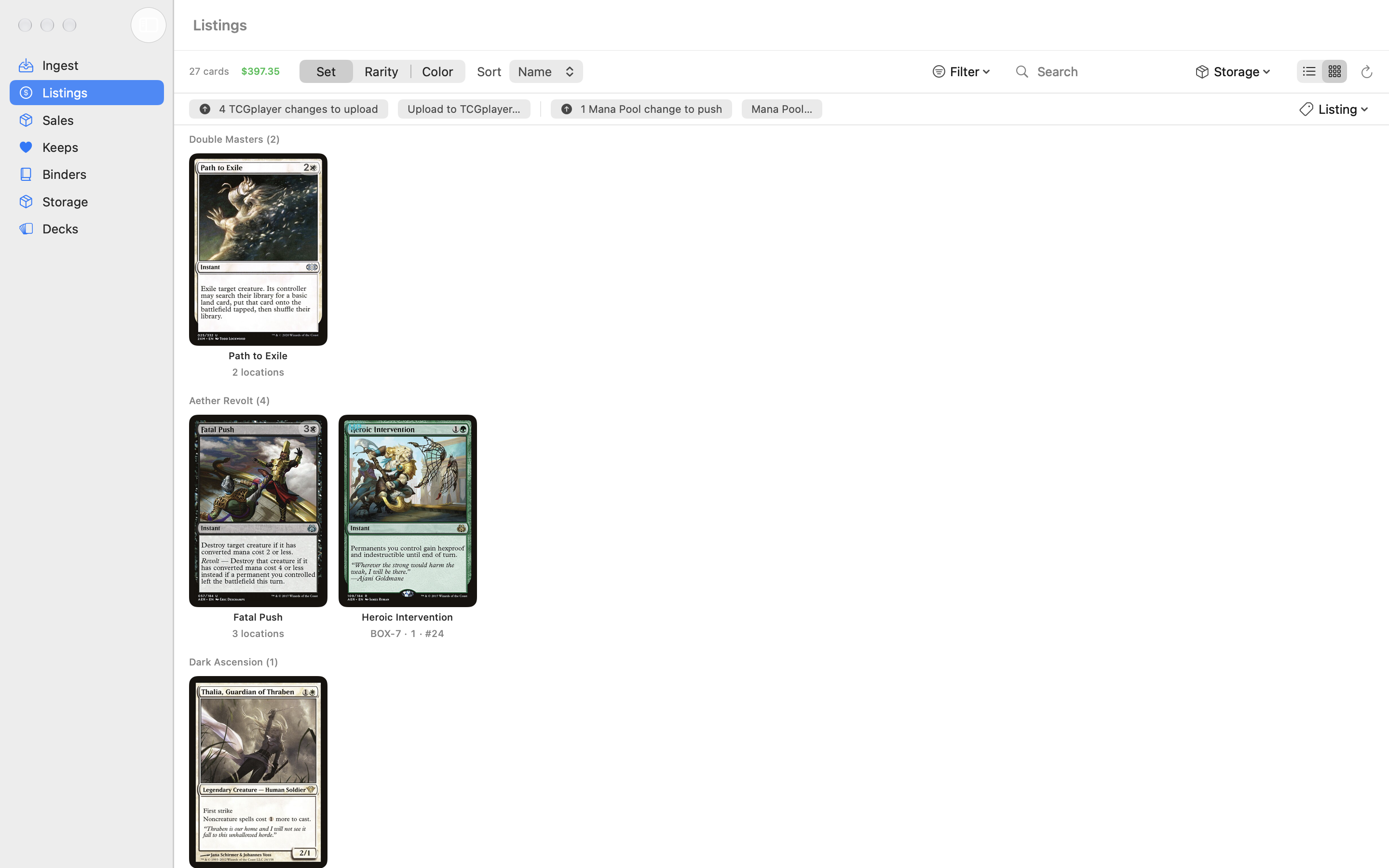
Yes, with the Seller upgrade. Add your Mana Pool email and access token in Settings, choose which copies to list on Mana Pool (each copy is on one marketplace at a time), and push quantities and prices. Sales can check for new Mana Pool orders, record them with Mana Pool’s actual fees, and send tracking numbers back with Mark Shipped. No API access? Save a CSV and import it on Mana Pool. Magical Piles isn’t affiliated with Mana Pool.
Where do the SKU IDs in the export come from?
From a SKU database bundled with the app. Each card is matched by its exact printing, finish, condition, and language (falling back to set and collector number), so the lookup works without a network connection. Cards it can’t match, including etched and non-English copies for now, are listed for you to add by hand on TCGplayer.
What is TCGTracking, and do I need it?
TCGTracking (tcgtracking.com) is a separate shipping-label and tracking service for card sellers. Magical Piles isn’t affiliated with it, and shipping is off by default. Hand-off mode is free: it opens TCGTracking and shows your packing slips in Finder to drag in. API mode makes and prints labels for you; TCGTracking charges a per-label fee after your first 100 API orders and needs a payment method on file. Your TCGTracking credentials are kept in your Mac’s Keychain.
What is chaos sorting?
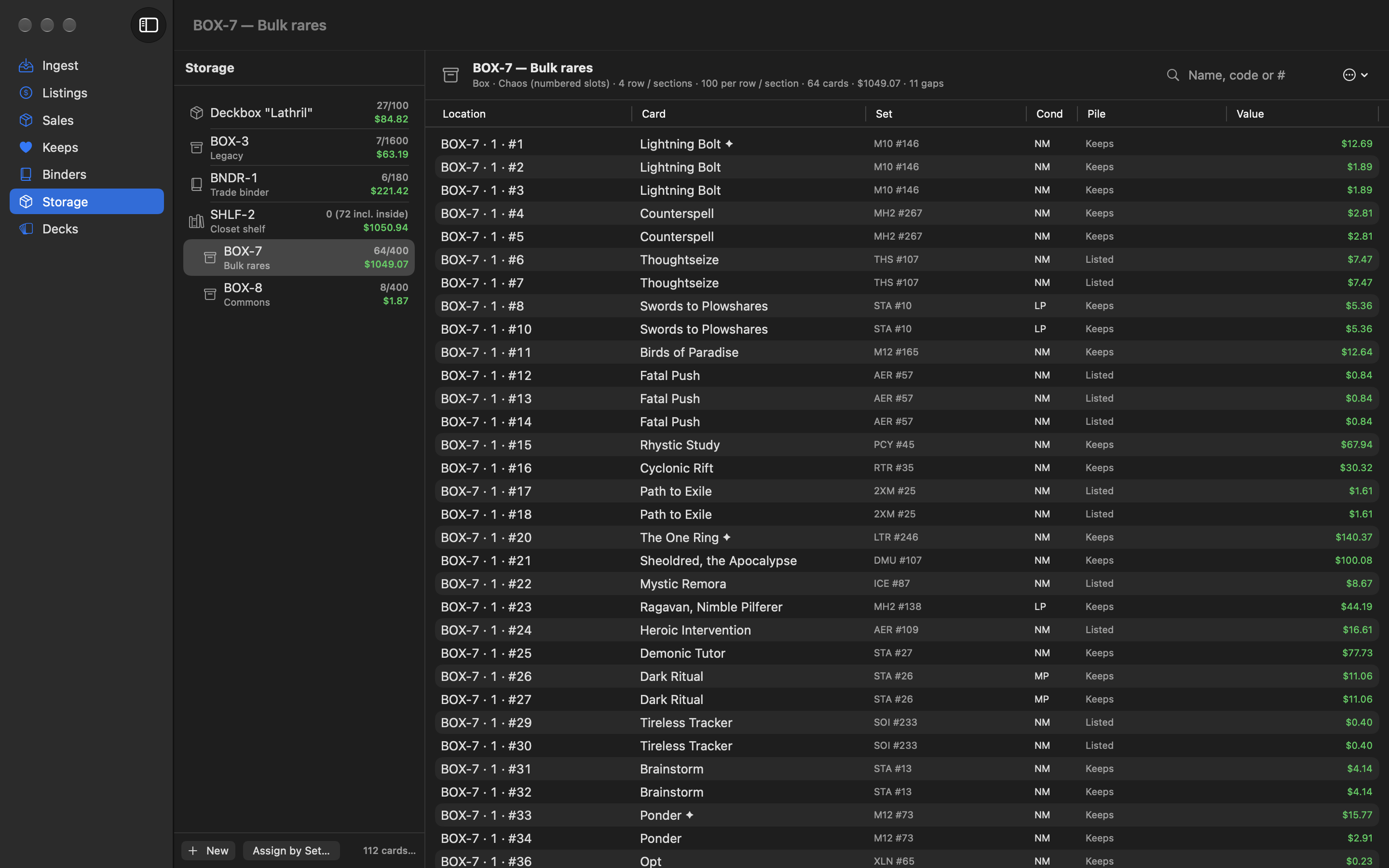
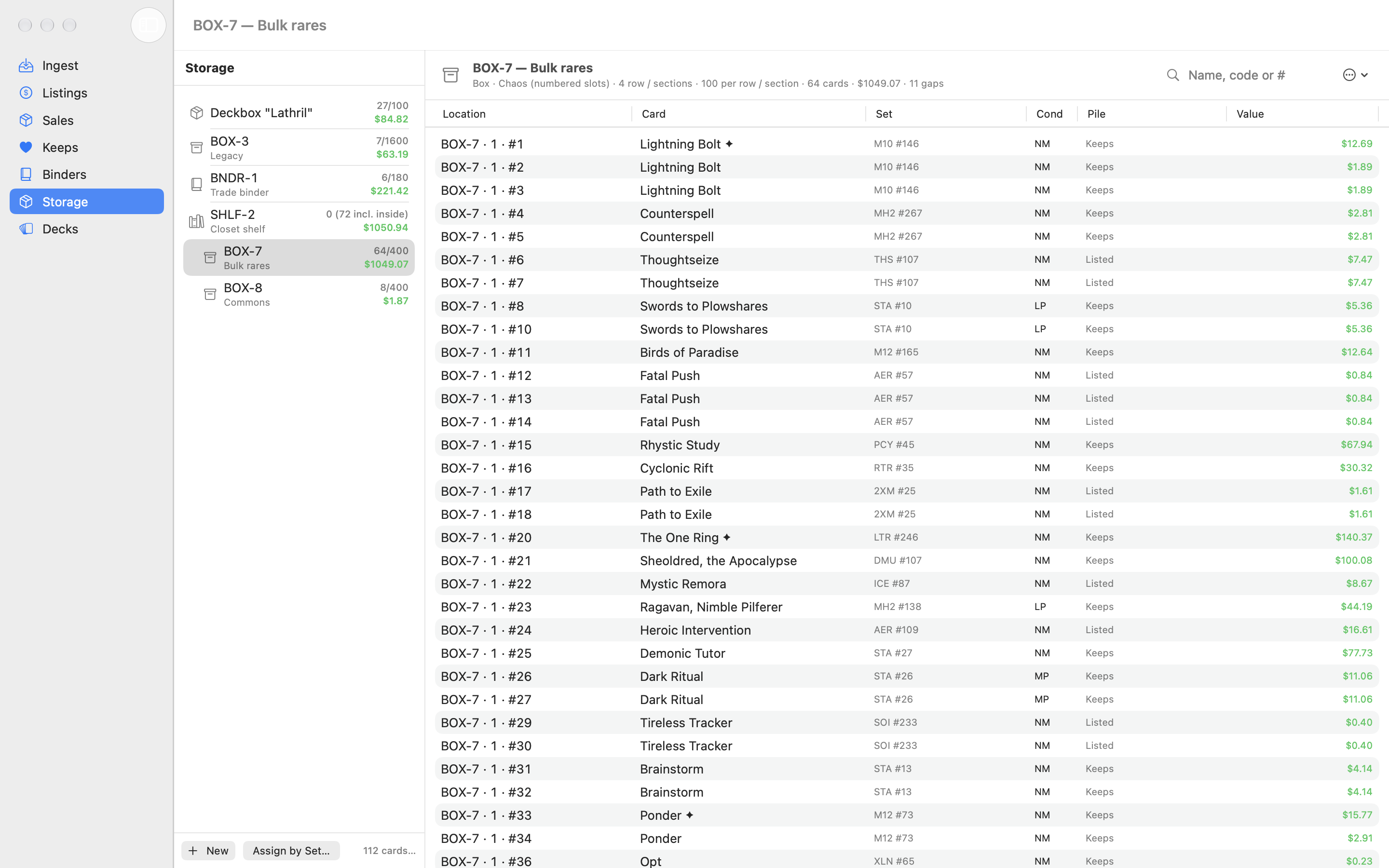
Instead of keeping a box alphabetized, you add cards in whatever order they come and Magical Piles gives each copy a numbered slot, like BOX-7 · 2 · #147. To find a card, look up its slot; to pull an order, print a pull list sorted by box, row, and slot. Boxes can also be marked Sorted or Unsorted if you’d rather not number them.
Do I need the AI Deck Advisor?
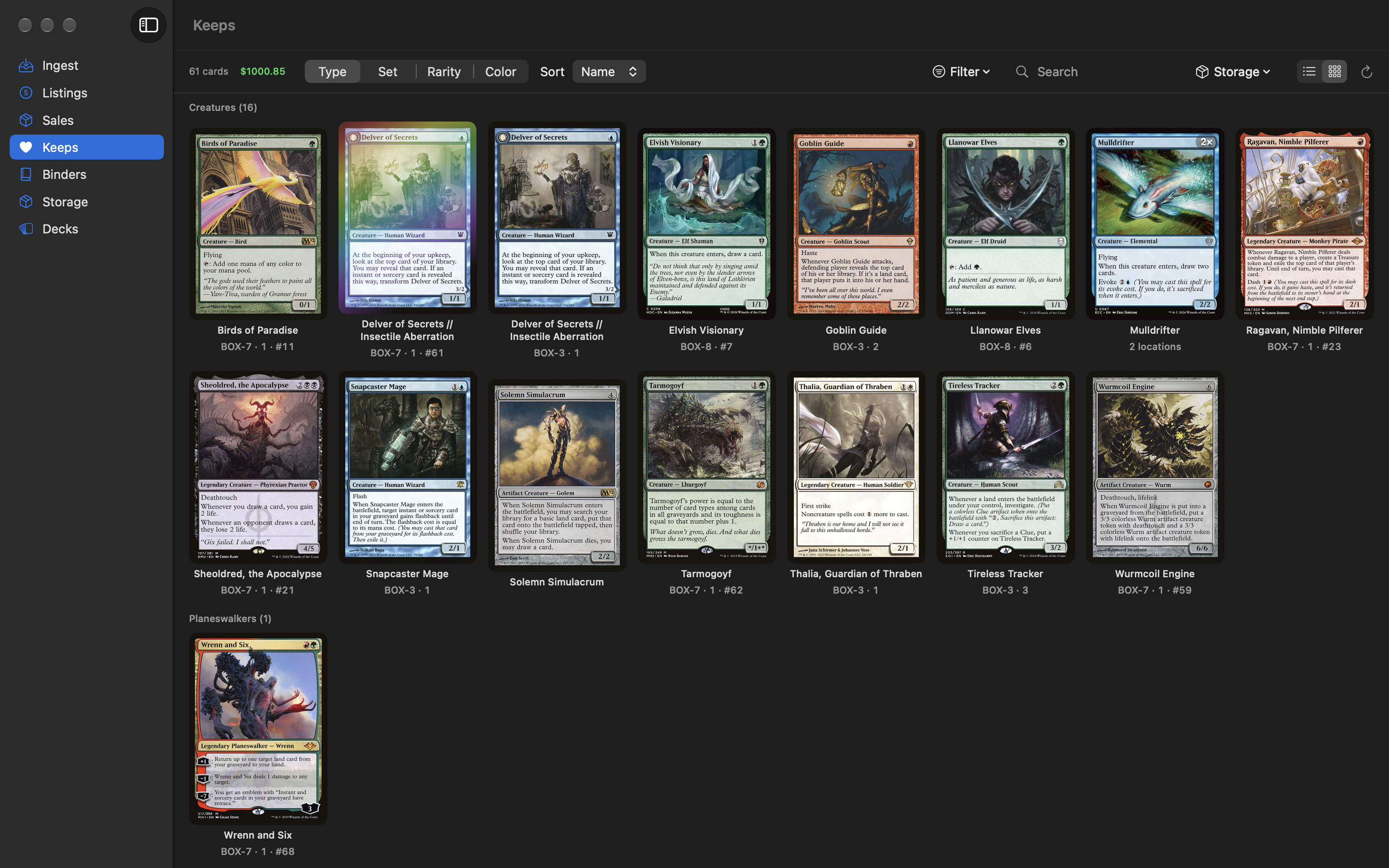
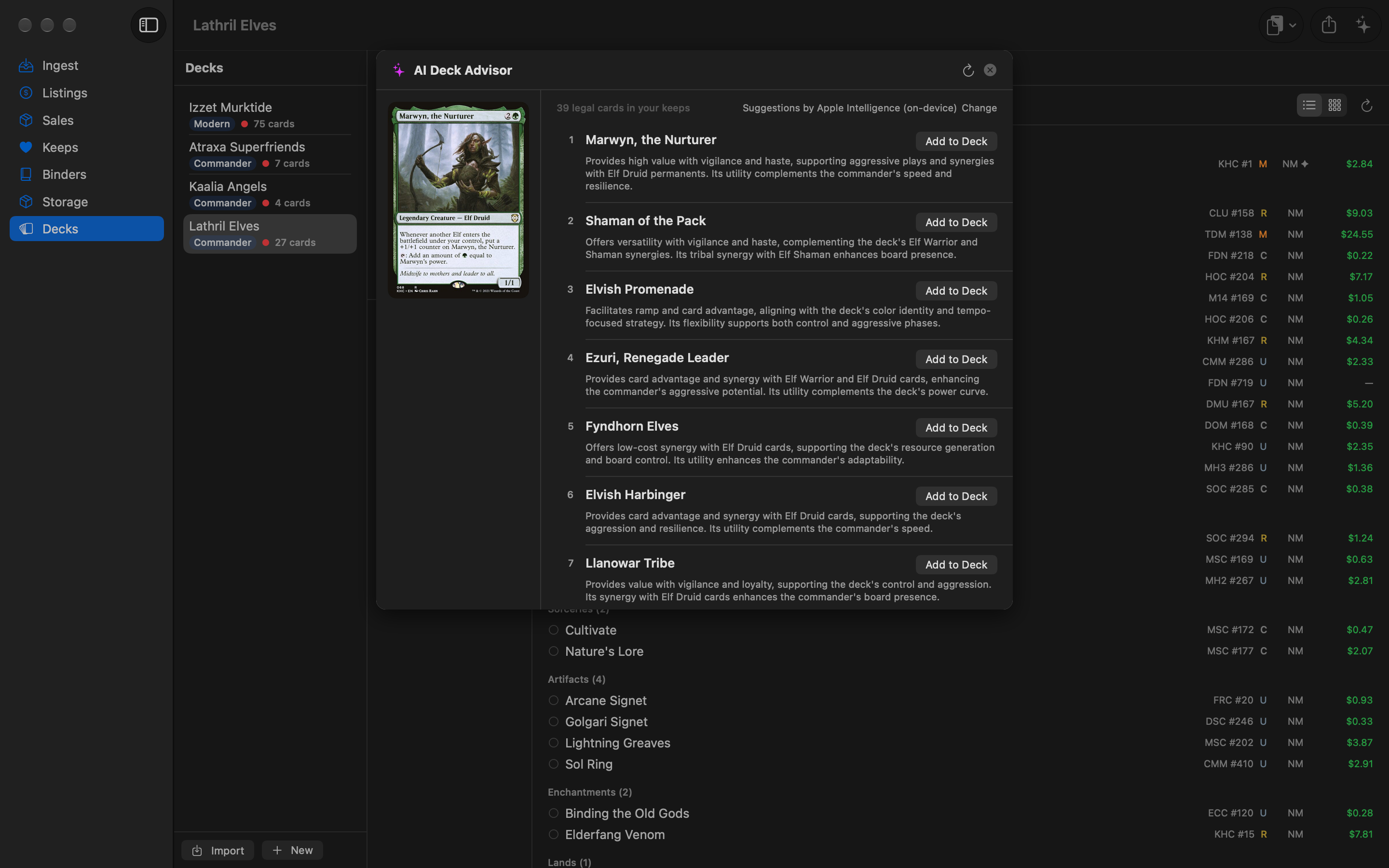
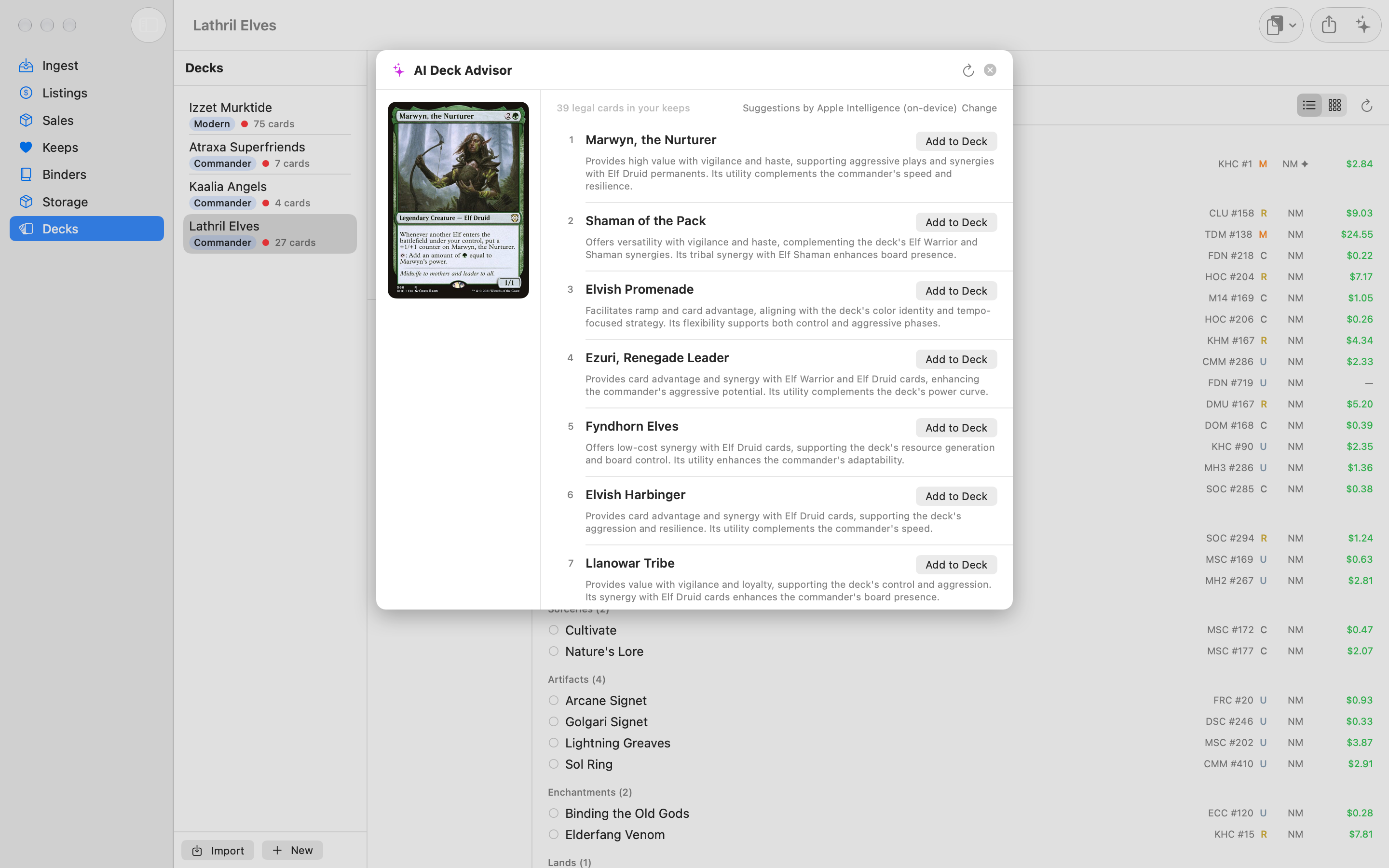
No, it’s optional. To use it, pick an AI provider in Settings: a cloud provider (Anthropic, OpenAI, xAI, Google, OpenRouter, Mistral, or DeepSeek) with your own API key, kept in your Mac’s Keychain and sent only to that provider; a local model in Ollama or LM Studio; or Apple Intelligence, which runs on your Mac and sends nothing. Each request sends your deck list and the eligible card names from your Keeps (with types and mana values).
Can I turn AI off completely?
Yes. In Settings, switch off Show AI features. The AI Deck Advisor button disappears from every deck, the AI settings are hidden, and nothing is sent to any AI service. Your provider choice and keys are kept, so you can turn it back on anytime.
Do I need an account?
Only for sharing. Sign in with Apple is used to own and manage your shared links; Magical Piles doesn’t ask Apple for your name or email.
Where are prices from?
Live prices come from Scryfall (the foil price for foil copies, the etched price for etched ones). Purchase prices come from your import file or what you enter. When exporting to TCGplayer you choose whether to price from purchase price, live price, or the higher of the two, with a floor you set.